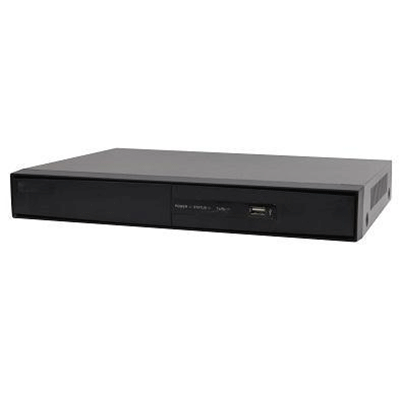
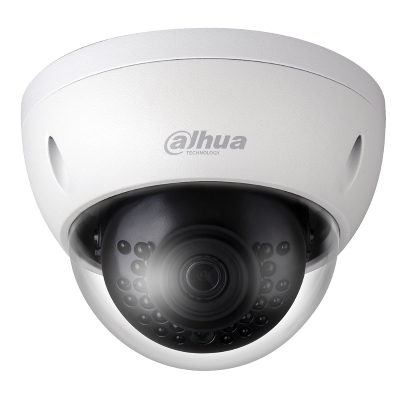
Samsung has introduced Samsung Security Manager, a licence-free video surveillance management software platform designed to enable its customers to gain maximum benefit from their investment in the company’s network cameras, encoders, DVRs and NVRs.
Samsung Security Manager’s client-server architecture allows for up to 1,152 cameras installed across any number of buildings or sites to be centrally managed, whilst live or recorded images captured by any of the cameras can be monitored by authorised users from anywhere on a network.
“The development of our IP network range is now at a stage where it can offer customers a one-stop solution for IP network based security solutions,” said Tim Biddulph, IP Product Manager for Samsung Techwin Europe Ltd. “With this in mind it is obviously important that the functionality of our video surveillance management software makes it possible for customers to take full advantage of the ground breaking technology which we have built into our network cameras and recording solutions.”
One of the keys features of Samsung Security Manager (SSM) is its intuitive graphical user interface which allows an operator to choose a display configuration which best matches the number of cameras they need to monitor at any one time. Each configuration, which can include various split screen options in 4:3 or 16:9 display format, can be named and saved for future use.
Building or site maps can be imported which can be overlaid with icons representing the locations of installed cameras. The icons can be set up to pop-up if there is a related alarm event, allowing an operator to quickly select and monitor live images from the camera which is nearest to the incident, whilst at the same time having the option to retrieve recorded video of what may have occurred before the alarm was triggered. A real-time event viewer provides an event log which can include a single channel preview as well as comments entered by an operator. The event log, which can be sorted by camera number or event type, can be exported in Excel/PDF format to be used if necessary as evidence.
SSM’s graphical user interface also makes it very easy to register new devices, whilst the software support ‘health checks’ and allows for automatic upgrade of any Samsung device on the network.
“SSM is an excellent example of how Samsung is focussing on what is important to our customers,” said Tim Biddulph. “Superseding our Net-i Viewer software, license-free SSM is packed full of features, such as full activity logging, normally associated with commercially available video management software.”