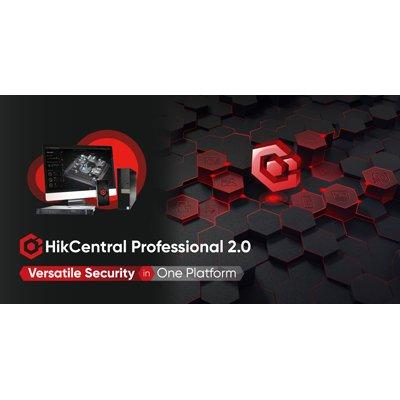
HikCentral Professional 2.0 security software (“HCP 2.0”)
Hikvision launched newly updated HikCentral Professional 2.0 security software (“HCP 2.0”), which blends feeds from multiple systems onto a single platform. HCP 2.0 can be configured to link video security devices, alarm and access control systems, and more, including third-party systems through the OpenAPI – for easy centralized management of a variety of security and business applications.
Frank Zhang, President of Hikvision’s International Product and Solution Center, said, “This is an important release for us, and a significant leap forward in our security management software offerings. HikCentral Professional 2.0 will help our customers manage a variety of activities seamlessly on one platform. We’re excited to see the value it delivers.”
Nine key applications for numerous business needs
HikCentral Professional 2.0 integrates multiple business and security systems with nine key applications, making it valuable to a wide variety of common security and business scenarios seen in buildings, factories, stores, apartments, and the like.
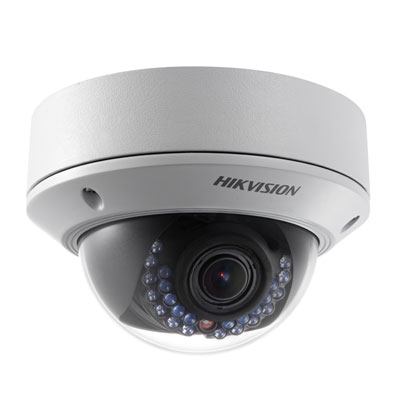
Among them, video cameras and security alarms are integrated into the platform to deliver fluid live viewing and timely alarm notifications.
Furthermore, access control can be included to assign a variety of access permissions using multiple methods including facial recognition, ID cards, fingerprints, QR codes, and more. HCP 2.0 also allows various personnel such as HR managers to set flexible attendance rules, including schedules for shift work, while delivering full reporting facilities. Additionally, site managers can also employ vehicle management and visitor management applications to streamline entrance management as well as on-site parking.
Users can further rely on HCP 2.0 with intelligent analysis and reporting – an application that collects data and transforms it into easy-to-understand reports and dashboards. This includes flow status, people density and more. For systems management teams, HCP 2.0’s system maintenance application visualizes alarm and device notifications, as well as the full network and device topology for rapid, targeted action in unusual events.
Last but not least, HCP 2.0 lets users deploy digital signage systems to display advertisements and announcements. The software comes with eight pre-installed templates for users to present content optimally. This can be crowd numbers and temperature status in a supermarket scenario, for example.
Creating truly unified systems with enhanced security and greater operational efficiency
With HCP 2.0, users will flexibly unite applications and build a tailored system to match their security and business needs. The unified approach not only creates greater situational awareness of their security environment, it also reduces real day-to-day management resources previously required by disparate systems.
For example, users can integrate visitor management with vehicle management to enhance daily operational efficiency for building facilities. Facility managers can register visitor information into the HCP 2.0 system, and – by linking to an ANPR system – can set visitors to be automatically permitted into on-site parking. Similarly, the system can also pre-authorize visitor access to specific areas of an organization’s premises.
Personalized user experience
HikCentral Professional 2.0 can be tailored to deliver specific information to assigned users. The system comes with three pre-configured roles: “system installation and management,” “security control and management,” and “attendance management.” In this way, HR staff can customize their feed to show employee attendance status, for example, while management staff can monitor security of the facilities. There is also one custom role, which can be tailored to specific needs.
Perhaps most importantly, HikCentral Professional 2.0 features an improved user interface. Users can customize the control panel to suit their viewing preferences, simply dragging and dropping key video and device feeds into the dashboard, adjusting where they sit and how they look.
Dynamic and intuitive user interface
HCP 2.0 also incorporates multiple visualized dashboards that display key security and business insights generated from various applications, facilitating decision-making processes with more accuracy and efficiency.
What’s more, users apply 3D E-maps that vividly demonstrate device monitoring statuses in different locations, and manage instant alerts interactively by clicking and watching associated live videos and other integrated system information.
Easy setup and maintenance
HikCentral Professional 2.0 is easy to deploy and quick to set up for a multitude of projects with single applications. Customers with minimum system requirement of Intel i3-CPU and 8 GB RAM can get up and running with a one-click installation procedure that makes HCP 2.0 setup a breeze. Operations guidance wizards are conspicuously displayed to support users in configuring key applications. In addition, the visualized health monitoring dashboards enable more focused and efficient IT maintenance.